Image to embroidery file, in your browser
Load your logo or clip art and see its stitches free. Then download it as PES, DST, JEF, EXP or VP3: $75 once for 12 months, with no limit on designs. Nothing renews.
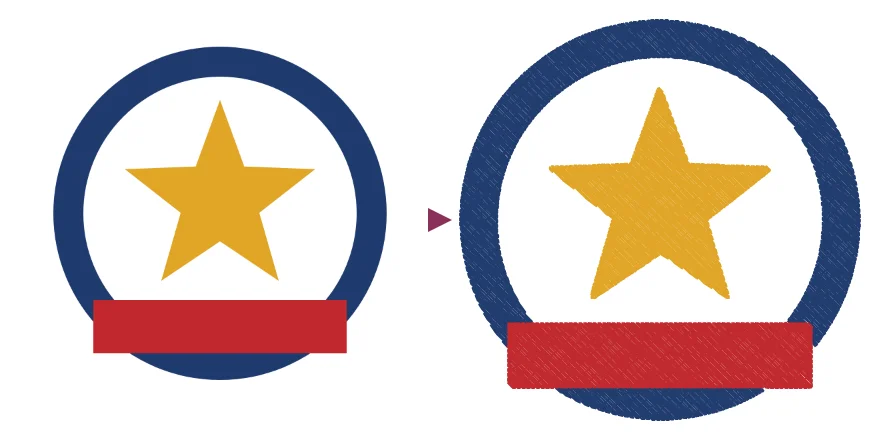
$75.00, paid once (plus sales tax where it applies).
- Will it stitch well on my machine? We have not stitched these files on a machine, so we make no promise about how they stitch. Each format is read back by two independent readers, and the preview draws the same stitches the files hold, to within 0.1 mm. Stitch a test on scrap fabric first.
- Why pay? You see the stitches before you pay, and pay only to download: $75 once for 12 months of files, with no limit on designs, no account and nothing to install.
- What if it does not work for my design? A full refund if you ask within 30 days, without questions. It works best on logos and clip art with flat colors; photographs give poor results.
Loading the converter…
or drop it here.
PNG, JPEG, WebP, GIF (the first frame) or BMP. Transparent parts are left unstitched.
Download
The price
12 months of downloads: $75.00, paid once (plus sales tax where it applies). Nothing renews.
Every format on this page, with no limit on designs, for 12 months from your payment. After payment you get a link, on screen and by email, that holds your access key. Open it in your browser and the download buttons work there. No account and no password. Nothing to install: the files are made in this page, and the only downloads are your own embroidery files. A full refund if you ask within 30 days. If we close the service before your 12 months are up, we refund you in full. Refunds · Terms
Sold in the United States only.
How it works
- Load an image: PNG, JPEG (JPG), WebP, GIF or BMP. The page digitizes it automatically. Set the width, the hoop and the number of colors, leave out the background, add an outline, and the page draws the stitches with their count, the colors, the size and the hoops the design fits.
- Your image never leaves your computer. It is read and turned into stitches in this page. Nothing of it is sent to us or to anyone else: no pixels, no file name, no size. We only count, per day, visits to this page, clicks on its buttons, and how many designs were previewed and how many files were downloaded in each format, with no identifier and no cookie.
- Upload only images you have the right to use. We hold no library of designs.
File formats
Pick the format your machine reads. The brand names say which machines use a format. They belong to their owners, and we are not affiliated with any of them.
- PES: Brother, Baby Lock
- DST: Tajima and commercial machines
- JEF: Janome
- EXP: Melco, Bernina
- VP3: Husqvarna Viking, Pfaff
Thread colors: PES and JEF files store the nearest color from their machines' own thread charts, so the colors your machine shows can differ from the preview. DST and EXP files store no colors. VP3 files store the colors as they are.
What it makes, and what it does not
Made:
- fill stitches for parts at least 1 mm wide, with an underlay and pull compensation;
- a narrow zigzag for thinner parts, and a running stitch for strokes under 0.6 mm;
- an optional running-stitch outline;
- each color in one block, with trims and tie stitches, so a design of five colors has four color changes. The width you set is the width of what is sewn: the background around the design is left out first.
Not done:
- photographs: they come out as flat bands of a few colors;
- small lettering: strokes under 0.6 mm are a single running stitch, and strokes under about 1 mm may sew thin;
- satin columns, appliqué and lettering from typed text;
- editing an embroidery file you already have, and SVG files;
- a white area inside the design is left unsewn, like the fabric, when the background is left out; “Stitch every color” sews it, with the rest of the background.